
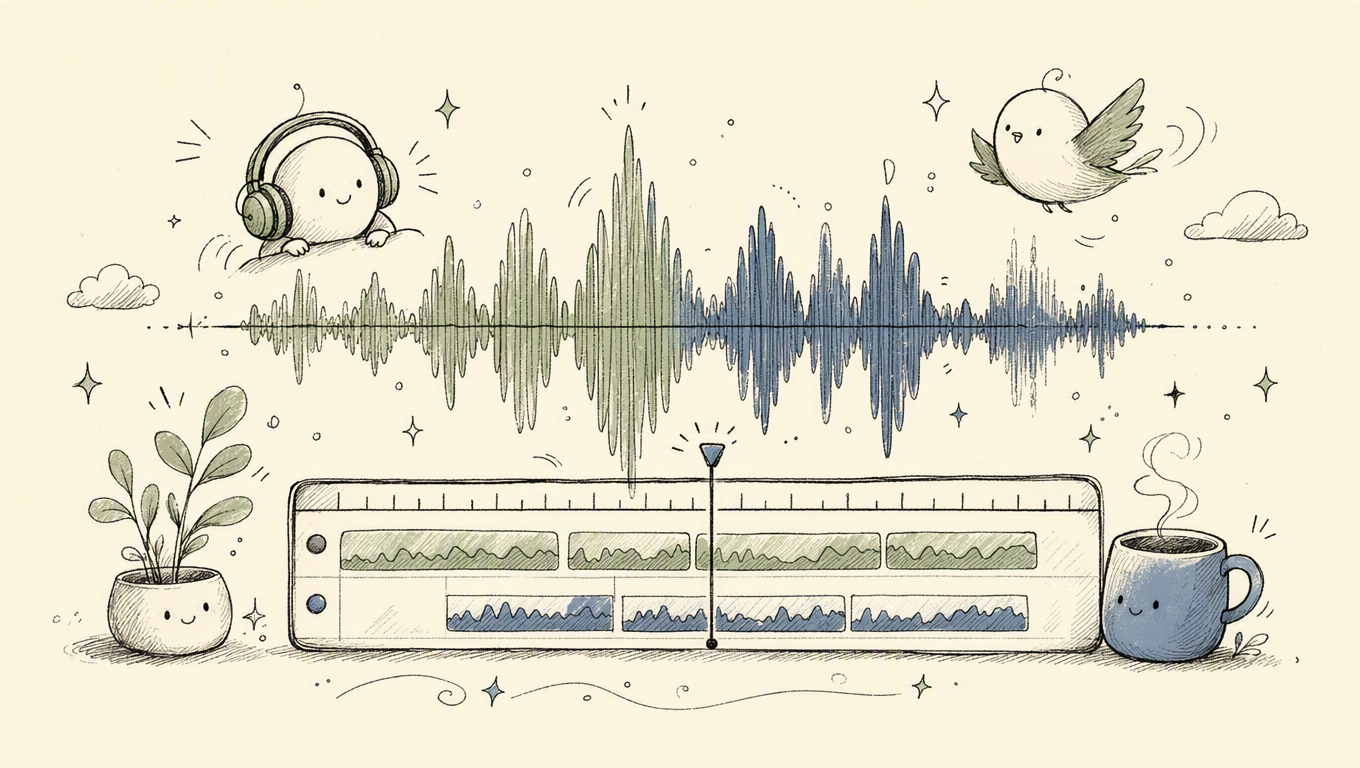
The Subtitling Journey: From Raw Audio to Polished Text
You've got a video, maybe a podcast, or even just an audio recording. And you need text. Maybe it's for accessibility, maybe for translation, or maybe just so you can skim through dense content faster. This isn't just about pressing a button; it's a sophisticated dance between advanced AI, clever engineering, and a deep understanding of language itself. We're talking about transforming ephemeral sound waves into precise, readable text — ready for a global audience.
At OmniSubs, we live and breathe this process. It’s more than just a "transcribe tool"; it's a comprehensive pipeline designed to make high-quality subtitling accessible to everyone, without sacrificing privacy or performance.
The Magic Behind the Mic: Audio Processing
Before any AI can even think about transcribing, the audio needs to be prepped. Think of it like preparing a canvas for a painting. Raw audio, especially from videos, can be messy. It might have multiple channels, varying sample rates, or be encoded in obscure codecs.
When you upload a file to OmniSubs, whether it's an MP4, MOV, MKV, or just a plain MP3, the first thing that happens — and this is a privacy-first point we're quite proud of — is that only the audio leaves your browser. Your video never touches our servers. We extract the audio locally using a client-side FFmpeg build compiled to WebAssembly. This is a neat trick: we can use a powerful tool like FFmpeg right in your browser, keeping your video data entirely on your device.
The audio is then typically downsampled to 16 kHz and converted to mono. Why 16 kHz? Because that's what models like Whisper were trained on, and feeding them anything else is just asking for trouble, or at least a dip in accuracy. We then chunk that audio into smaller segments, usually MP3s at around 32 kbps. This isn't just for speed; it's critical for handling multi-hour videos. Imagine trying to send a 10-hour audio file in one go. Not fun. By chunking it, we can process it in parallel and also be resilient to network glitches. If one chunk fails, only that tiny piece needs to be resent, not the whole thing. This allows us to support videos up to 10 hours long, a feat many browser-based tools simply can't match.
The Brains of the Operation: AI Transcription
Once the audio is clean and chunked, it's time for the star of the show: the AI transcription model. We rely heavily on advanced models like OpenAI's Whisper, which has set a new benchmark for accuracy in speech-to-text.
Whisper, and similar models, don't just "listen." They analyze phonemes, context, and even intonation to predict the most likely sequence of words. It's a remarkably complex process involving neural networks trained on vast datasets of spoken language. But raw output from these models isn't always perfect. Sometimes it hallucinates words, or struggles with thick accents or very noisy environments.
That's where our post-processing comes in. We apply several filters to refine the Whisper output:
avg_logprobfilter at -1.0: This helps us identify and flag segments where the model was "unsure" about its transcription. A lowavg_logproboften indicates a higher chance of error or hallucination. We can then decide to re-process these segments or flag them for human review.compression_ratiogate at 2.4: This is a clever little trick. If the model generates highly repetitive or nonsensical text, thecompression_ratioof that text tends to be very low (meaning it compresses well). A highcompression_ratio(like 2.4) indicates more complex, natural language. We use this to filter out garbage output, though we do disable it for languages like Japanese, Chinese, and Korean (CJK) where text structures can naturally lead to lower ratios. Applying it blindly to CJK content would filter out perfectly good transcriptions.
The result is a highly accurate, time-synced transcript, often with speaker diarization (identifying who said what) handled automatically.
From Transcript to Subtitle: Timecode and Formatting
A raw transcript is just text. A subtitle is text with timing information. This is where the magic of timecodes comes in. Each line or "cue" needs a start and end time, precise down to milliseconds.
1
00:00:01,234 --> 00:00:03,567
Hello, and welcome to OmniSubs.

2
00:00:03,890 --> 00:00:05,123
We make subtitling easy.
This is the standard SRT (SubRip) format. VTT (WebVTT) is similar, often used in web contexts, and SMI (SAMI) is an older format, still sometimes seen. OmniSubs supports exporting to all three. My personal pet peeve? When tools only output SRT and call it a day. Different platforms need different formats, and flexibility is key.
For those who want more control over styling, we offer advanced options. For example, you can soft-embed subtitles into an MKV container. We generate dual-track ASS (Advanced SubStation Alpha) subtitles. Why dual-track? This allows you to have two different colors for stacked subtitles – perhaps one for the original language and one for the translation – offering a much richer viewing experience on players like VLC or Plex. This kind of flexibility is crucial for professional users who need to deliver polished content.
Breaking the Language Barrier: AI Translation
Once you have an accurate transcript, translation is the next logical step. OmniSubs integrates powerful large language models (LLMs) like Google's Gemini to translate your transcript into any of our 73 supported target languages.
But it's not just a simple word-for-word swap. Translation for subtitles requires nuance:
- Per-cue alignment: Each translated cue needs to match the timing of its original. This is harder than it sounds, as translations can be longer or shorter than the source text. We handle this by ensuring the translated text fits within the existing time boundaries, adjusting line breaks and phrasing as needed.
- RECITATION recovery: Sometimes, LLMs can get a bit creative or omit parts. We have mechanisms to "recover" or re-evaluate translations if they seem to deviate too much from the original intent, ensuring accuracy.
- Single-cue fallback: If a batch translation fails for some reason, we can fall back to translating cues individually, ensuring no part of your transcript is left untranslated.
- Batch of 400 cues: We process translations in sensible batches (around 400 cues at a time). This balances speed with accuracy, preventing the model from losing context over very long documents while still being efficient.
- Register awareness: This is a big one. Languages like Korean (해요체), Japanese (です/ます), French, Spanish, and Italian all have different levels of formality. A good translation tool needs to be context-aware, delivering translations that match the appropriate register. Our models are fine-tuned to understand and apply these subtle linguistic nuances.
Supported Languages at a Glance
OmniSubs supports a wide array of languages, both for transcription and translation, building on the capabilities of Whisper and Gemini.
| Feature | Count | Examples ---
Does OmniSubs work offline?
No, OmniSubs requires an active internet connection to function. While we use in-browser FFmpeg for audio processing, the main transcription and translation models run on our servers.
How accurate are the subtitles?
Our transcripts are highly accurate thanks to models like Whisper, further refined by our custom post-processing filters (avg_logprob and compression_ratio). Translation quality relies on advanced LLMs like Gemini, tuned for contextual accuracy and linguistic nuance.
What languages does OmniSubs support?
We support transcription and translation for 73 languages (Whisper-supported), and our user interface is available in 30 languages. This broad coverage allows us to serve a truly global audience.
What's the longest video supported?
OmniSubs can process videos and audio files up to 10 hours in length. We achieve this by chunking your audio into smaller, manageable segments for efficient processing.
Is there a free tier?
Yes! You get 200 free credits when you sign up, which is enough for about 100 minutes of transcription and translation. No credit card is required to start your free trial.
Ready to transform your audio and video content? Give OmniSubs a try and experience seamless, accurate subtitling for yourself.