









OMNI Live Translator

Local live subtitles + translation

Your voice — subtitled and translated, live.

OMNI Live Translator turns your speech into real-time captions and translates them into two languages at once, running entirely on your machine. No cloud, no upload, no subscription.

FOR WINDOWS 10/11 · NVIDIA GPU RECOMMENDED · FREE 30-DAY TRIAL

100% on-device
Nothing leaves your PC
No subscription

01 — 04How it works

From mic to overlay in four steps.

Speak

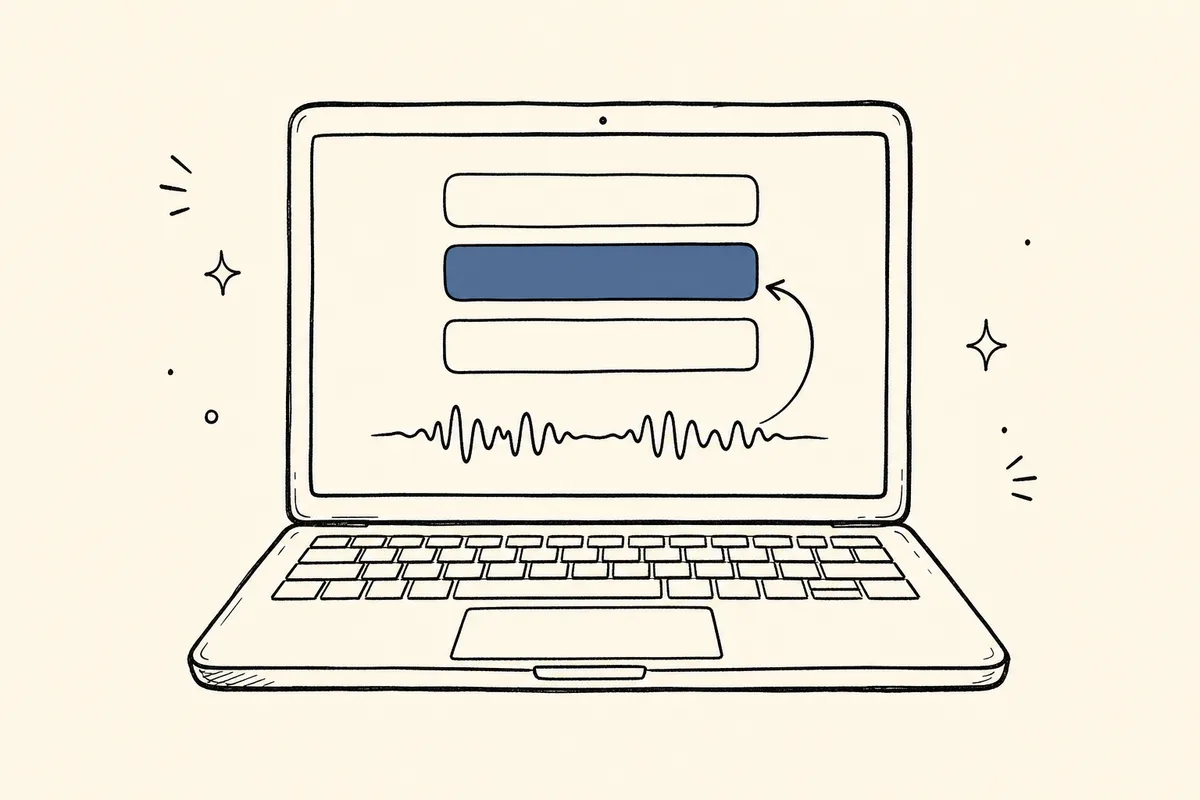
Talk into your mic, or capture your desktop audio.

Transcribe on-device

Local Whisper AI turns speech into accurate captions in real time.

Translate instantly

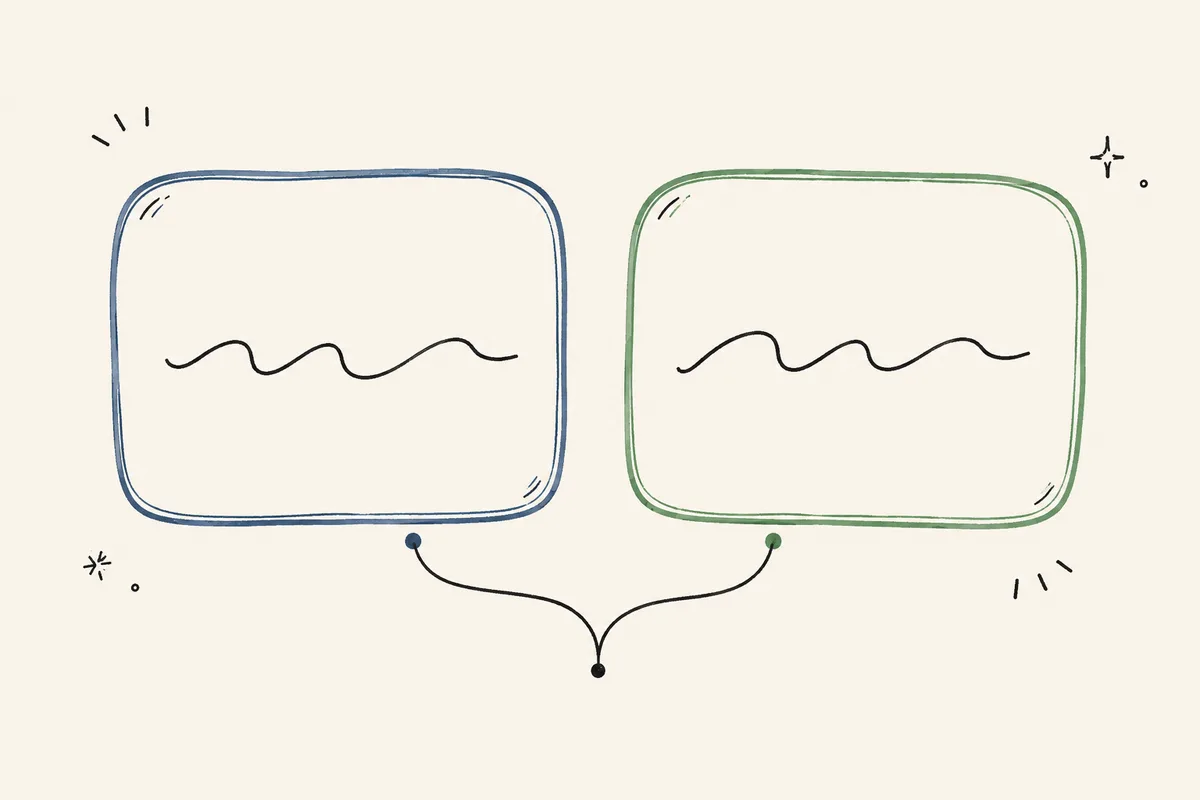
Local models render two target languages at once, tuned for tone and register.

Overlay in OBS / TikTok

Add captions to your stream as a browser source or a movable native window.

FEATURESEverything, running on your PC

Built for live, tuned for streamers.

Real-time dual translation

Two target languages, side by side, per phrase.

On-device local AI

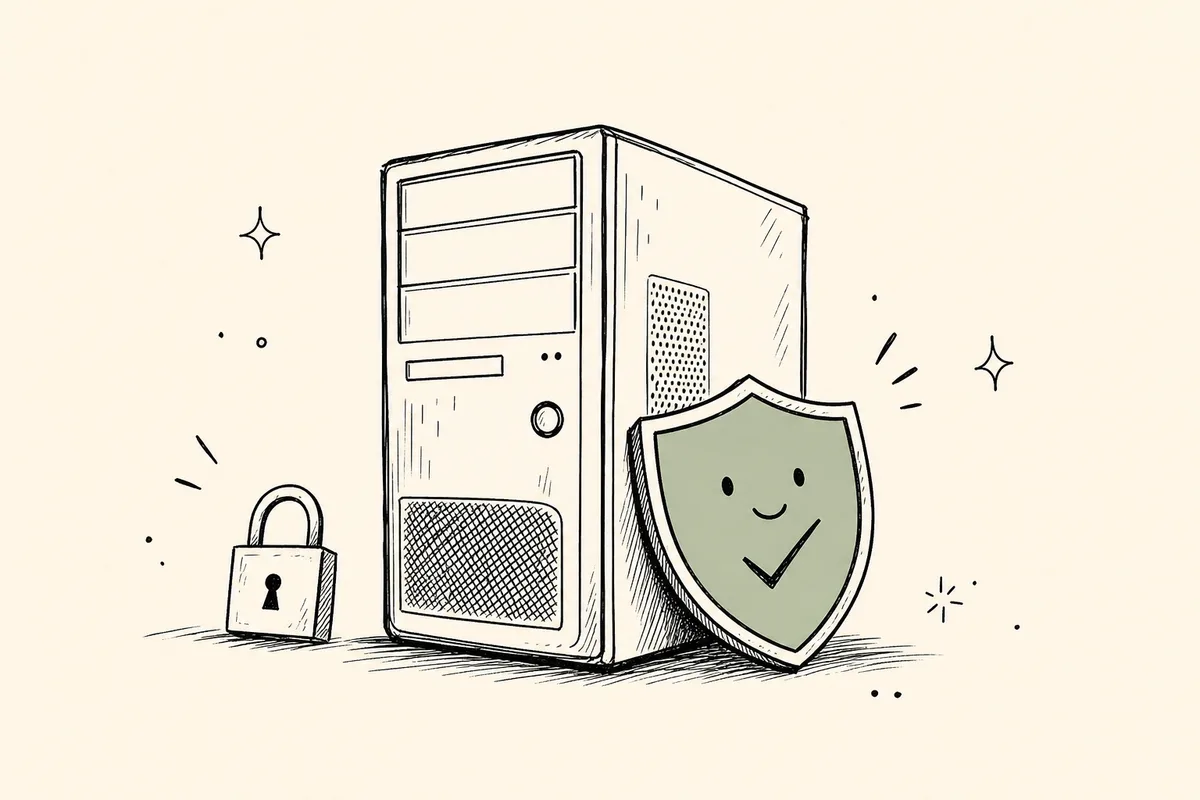
Whisper + neural translation run on your GPU. Your audio never leaves the machine.

Built for OBS & TikTok

A browser-source URL or a movable native caption window.

30+ languages, Korean-first

Translate to and from dozens of languages.

Fast, GPU-accelerated

Sub-second first captions on a modern NVIDIA card.

Works offline

No internet needed once the models are installed.

ON-DEVICEThe point of local

Why local AI?

Private

Your voice and captions stay on your PC — nothing is uploaded or logged to a server.

No usage fees

No per-minute API bills and no subscription — stream as long as you like.

Low latency

No round-trip to the cloud; captions appear as you speak.

Truly yours

The models live on your disk and keep working with no account and no cloud.

ANY PLATFORMWatch anywhere

Real-time translation for anything you watch

Not just your own stream — any video, on any platform.

  • YouTube
  • Netflix
  • TVING
  • Disney+
  • Twitch
  • TikTok
  • Crunchyroll
  • WATCHA
  • CHZZK
  • X
  • Spotify
  • VLC media player
  • Zoom
  • niconico
  • Facebook
  • Vimeo
  • Instagram
  • Discord
  • Prime Video
  • SOOP
  • Apple TV
  • Reddit
  • Kick
  • Steam

OMNI listens to the audio playing on your PC or headset, so it live-translates any online video from any service — Netflix, YouTube, Disney+, Prime Video, Twitch, TikTok, and more. Because it runs on your machine, there are no per-minute fees, no matter how long you watch.

WORKS WITH ANY APP OR SITE THAT PLAYS AUDIO ON YOUR PC

PLATFORMSWorks with your setup

The platforms you already stream on.

Connect via an OBS browser source or a native overlay window, and add captions on any platform you stream to.

  • OBS Studio
  • TikTok LIVE
  • CHZZK
  • SOOP
  • YouTube Live
  • Twitch
  • Kick

PRICINGOne price, yours forever

Buy once. Yours for life.

Try everything free for 30 days, then keep going with a lifetime license. No subscription and no usage fees.

LAUNCH OFFER — 60% OFF

OMNI Live Translator — lifetime license

$19.95$49.95SAVE 60%

One-time purchase · lifetime license

Download free trial

INSTANT DELIVERY · KEY EMAILED AFTER PURCHASE · WINDOWS 10/11

  • 30-day free trial included
  • Works on 1 PC at a time
  • License key delivered by email
  • Reset / move to a new PC up to 3 times
  • Instant delivery, no subscription

FAQQuestions

Everything you might ask.

Do I need internet?

Only to download the app and models the first time. After that it runs fully offline.

Which streaming apps work?

OBS Studio and TikTok Live Studio, via a browser source or the native caption window — so CHZZK, SOOP, YouTube, Twitch and more all work.

Is my audio uploaded anywhere?

No. All transcription and translation happen on your PC; nothing is sent to a server.

What do I need to run it?

Windows 10/11 (64-bit) and a modern NVIDIA GPU are recommended for real-time speed.

How much does it cost?

The download includes a full-featured 30-day free trial. After that a one-time lifetime license unlocks it — no subscription and no usage fees. During launch it is {launchPrice} ({percentOff}% off the regular {listPrice}).

Can I try it before I buy?

Yes. Every install comes with a full 30-day free trial with all features unlocked — no credit card needed. When the trial ends, enter a license key to keep going.

Can I move my license to another PC?

A key works on one PC at a time, and you can reset it up to 3 times from your account to move it to a new machine. The key is emailed to you right after purchase.

Ready to caption your live stream?

Windows 10/11 · NVIDIA GPU recommended · 30-day free trial, then a one-time $19.95 license · v0.10.5

Earlier releases

Use an earlier version only if the latest one has an issue.