
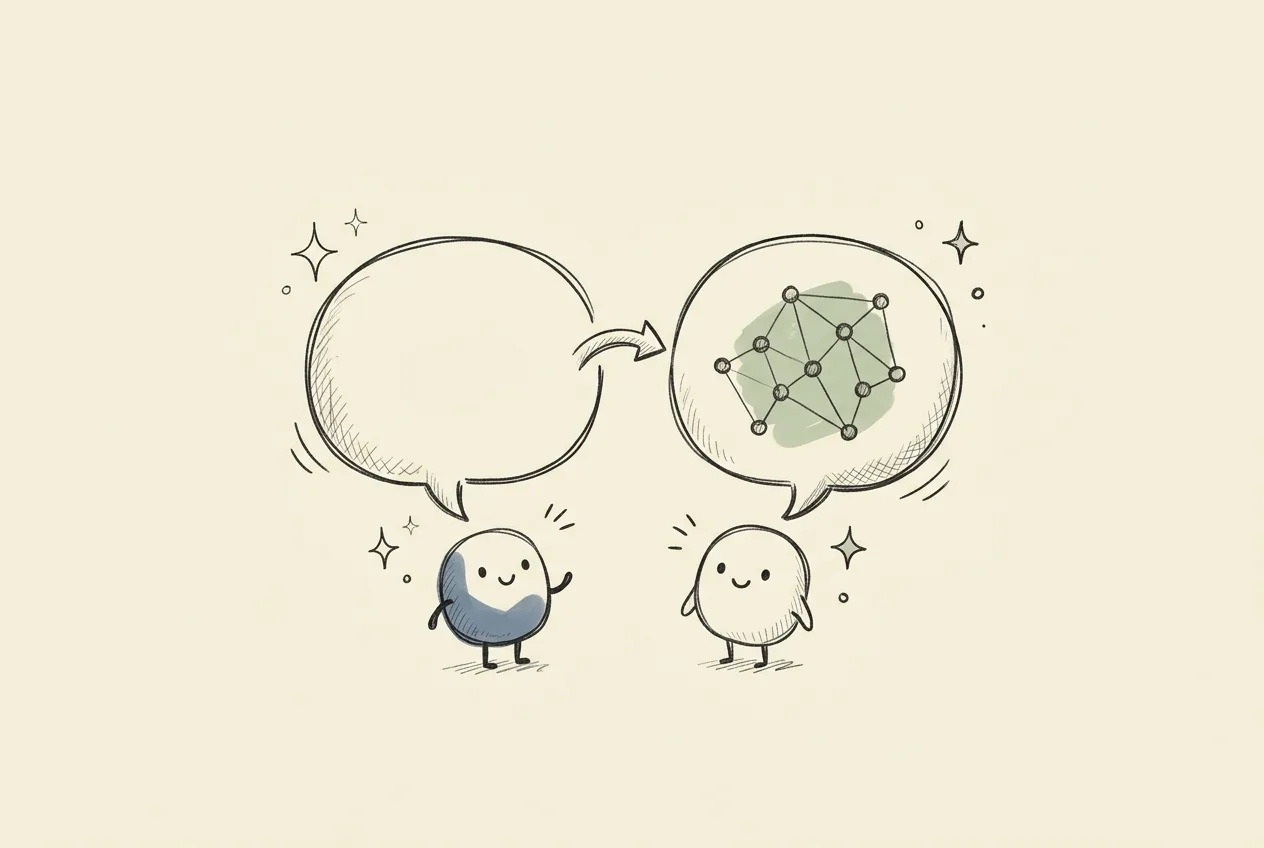
Translation with context
Use story and speaker context to help keep names, meaning and tone consistent, rather than translating every line in isolation.
 Omni Player
Watch your videos with clear subtitles, understand the meaning, and learn the expressions worth keeping.
Omni PlayerScene 01 / 03This tour pauses to give you time to read. In Player, learning cards do not automatically pause the video.
| GPU versionRecommended | CPU version | |
|---|---|---|
| Operating system | Windows 10 (1809 or later) or Windows 11, 64-bit | |
| Graphics | NVIDIA GeForce RTX with 6 GB+ VRAM16 GB+ for the best-quality models | Not required |
| Memory | 16 GB RAM recommended | |
| Storage | 7–21 GB free | 5–8 GB free |
macOS version coming soon
OMNI PLAYER HIGHLIGHTS

Player generates subtitles from the video’s audio in real time and displays up to two translations from 38 supported languages.

As the film plays, Player learns who the characters are and how they speak to each other, so names and tone stay consistent from the first scene to the last.
Pick up expressions from the automatic learning panel, then review them in a quiz after your favorite video. Learning feels like part of the fun.
LESS GUESSING MORE REMEMBERING
Turn words from your viewing session into a little practice. Not unrelated trivia: the exact subtitle gives every question a reason to exist.
In the app: rounds of up to 5 or 10 encountered expressions. Meaning self-checks are separate from exact-recall scores.
Practice from the prepared demo. No progress is saved and no AI request is made.
MORE TIME TO ENJOY YOUR FILMS
Use story and speaker context to help keep names, meaning and tone consistent, rather than translating every line in isolation.

Open local MP4, MKV, AVI and other supported media. Existing subtitles get a head start; local speech recognition can generate missing ones.
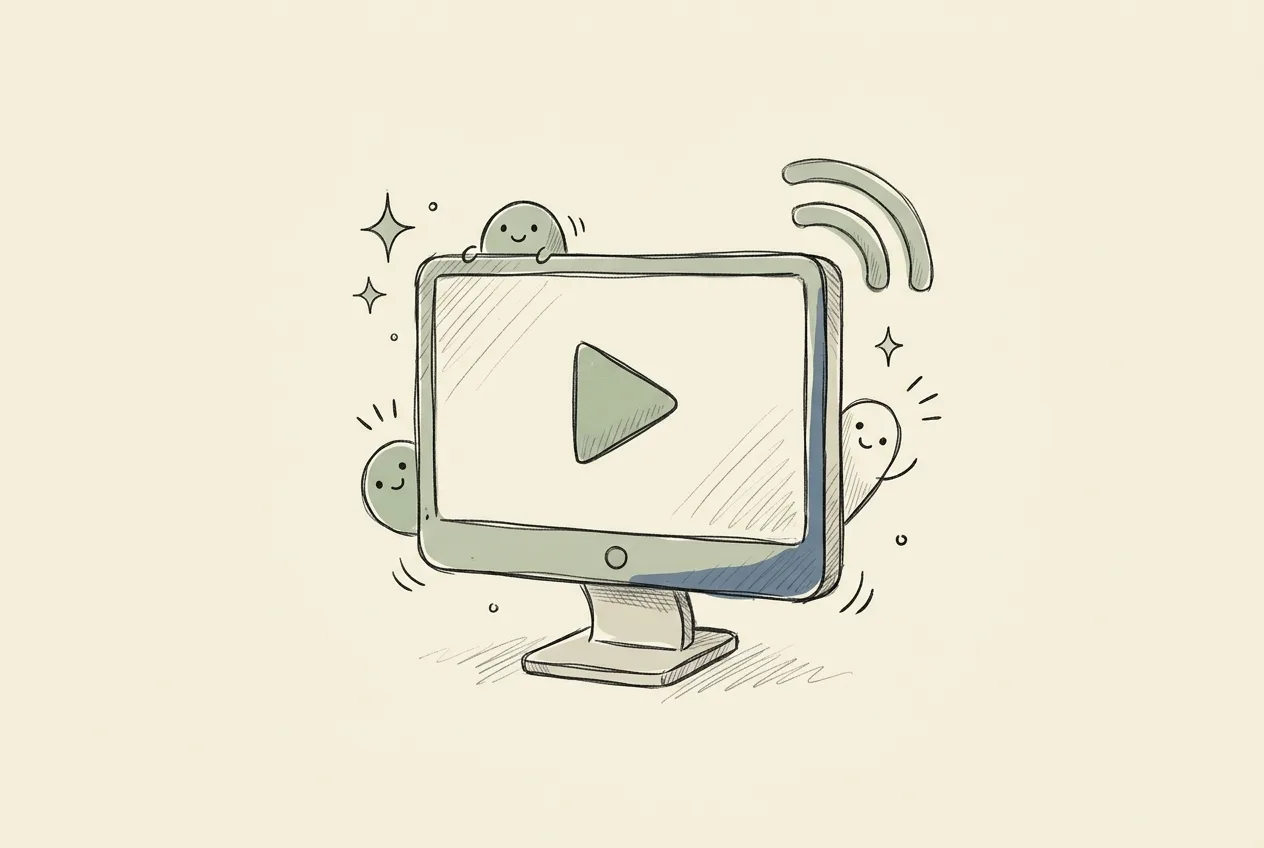
Copy a supported video link and press Ctrl+V in Player. Confirm to open it with the same subtitle and learning tools as your local videos. Open URL also accepts supported Vimeo, Dailymotion and direct streams.
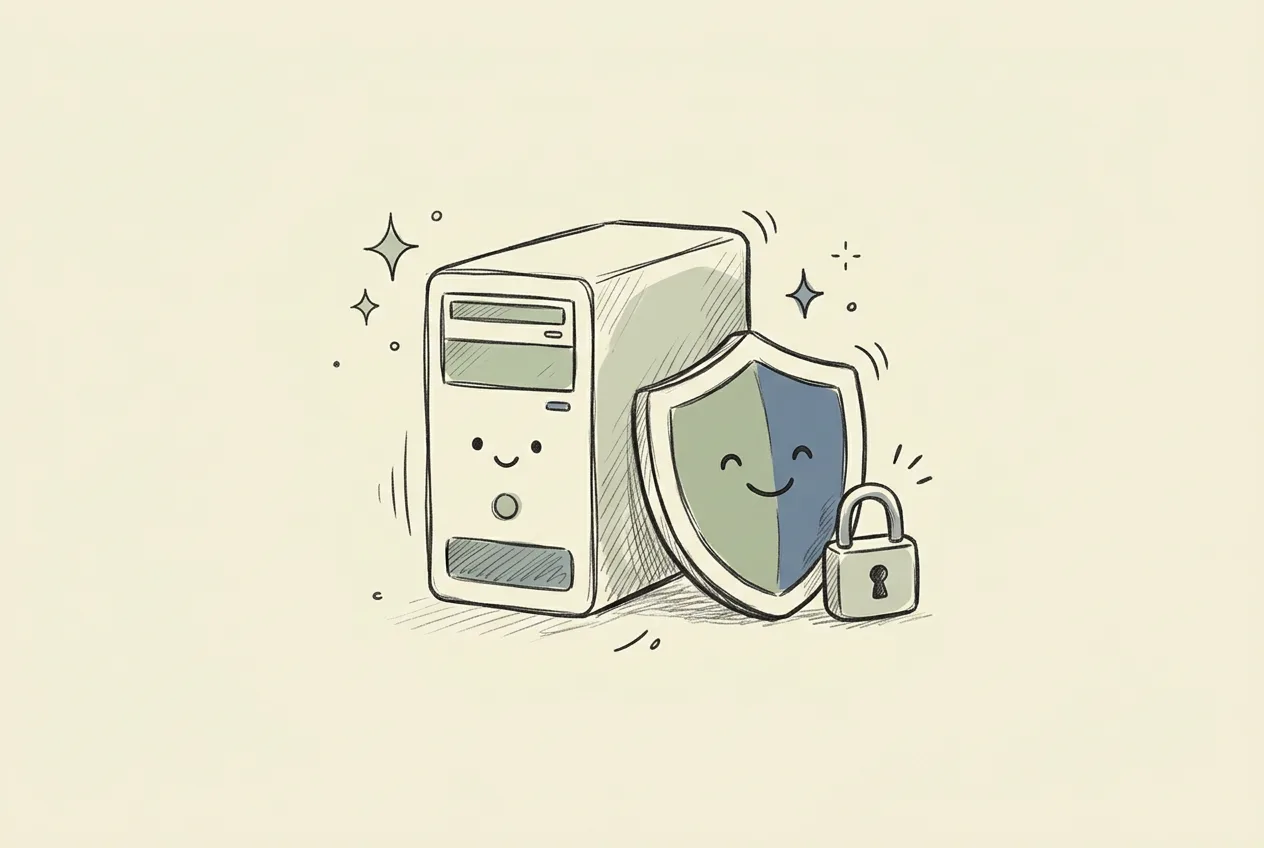
Speech recognition, translation and learning analysis run locally. Your video does not need to be uploaded to a cloud AI service.

Choose language-specific fonts, bold text, colors and an outside outline for each track. Adjust size, background, position and timing independently, without moving your corner learning card.

Subtitle generation, translation and learning preparation can continue while playback is paused. Save projects to resume later; Close video unloads the media and stops its background work.
WATCHING BECOMES DISCOVERY
Not a lesson interrupting your movie. A small, useful explanation when the dialogue has something worth noticing.
/rɪˈzɪliənt/
Able to recover and keep going.
Used for someone or something that can adapt and recover after difficulty.
“We came back stronger,
more resilient than before.”The word and its original scene, together.FIND THE APP THAT FITS YOU
 Omni Player
Films, anime and podcasts from your own drive or a supported video link. Omni Player writes the subtitles, translates them while you watch, and can turn the expressions you meet into playful practice whenever you want it.
See it in action
 Omni Live
For streamers, for the people watching them and for podcast listeners. Whatever your PC is playing right now is transcribed as it is spoken and translated into the languages you choose, live.
Meet Omni LiveA PLAYER TO KEEP
Local AI processing instead of a bill for every minute of dialogue. Subscribe monthly or yearly, or buy the lifetime license while it lasts.
The 30-day free trial starts from the download — no card needed.
Everything in the subscription. Forever.
INSTANT DELIVERY · KEY EMAILED AFTER PURCHASE · WINDOWS 10/11
THE DETAILS
Choose one or more of eight interests, from useful vocabulary and idioms to phrasal verbs, sentence patterns and cultural references. Cards explain expressions from the dialogue in your chosen explanation language. Dictionary pronunciation is included where available. Level changes what is worth learning; frequency changes how often ready cards are shown, not how quickly your PC can prepare them.
Yes. Session practice uses learning expressions you encountered, not unseen subtitles or sample preview cards. Choose mixed challenges, sentence recall, build-the-phrase or meaning self-checks, in rounds of up to five or ten expressions. Hints, answer reveals, retry rounds and links back to the original scene help you learn without guessing what went wrong. Meaning questions are self-assessed, not automatically graded.
Omni Player is a video player for media you open yourself — films, anime and podcasts from your drive or a supported video link — with generated subtitles, translation, saved projects and optional language learning. Omni Live listens to computer audio and provides real-time captions and translation for whatever is playing right now. They are separate apps with separate licenses.
Yes. After the speech-recognition model is downloaded, Omni Player can generate subtitles from the video’s audio. Existing embedded or external text subtitles can avoid that step. Accuracy and processing speed vary by language, audio and hardware.
Yes. Display the original alongside up to two translation tracks, with independent fonts, colors, outlines, positioning and timing controls.
No. Supported public video links and direct streams can open in Player. Site changes, sign-in requirements and DRM can prevent playback. Browser integration depends on the site and is not a way to bypass access restrictions.
Local media and downloaded AI models can work offline. Audio and video do not need to be sent to a cloud AI service for local processing.
A supported 64-bit Windows 10 or Windows 11 computer. Available memory and CPU/GPU capability determine which AI models are practical. Setup helps you choose a profile; larger models need more storage and memory.